SpacesViewerBoardsComparison6 min read
3D Viewer, 360° Tour or Virtual Showroom: What Does Your Store Actually Need?
Three ways to show products online in 3D that are often confused. What each one is, what it is good for, and how they work together.
A store asking for “3D on the website” usually means one of three different things. They solve different problems, take different amounts of work, and a good plan often uses more than one.
A 3D product viewer
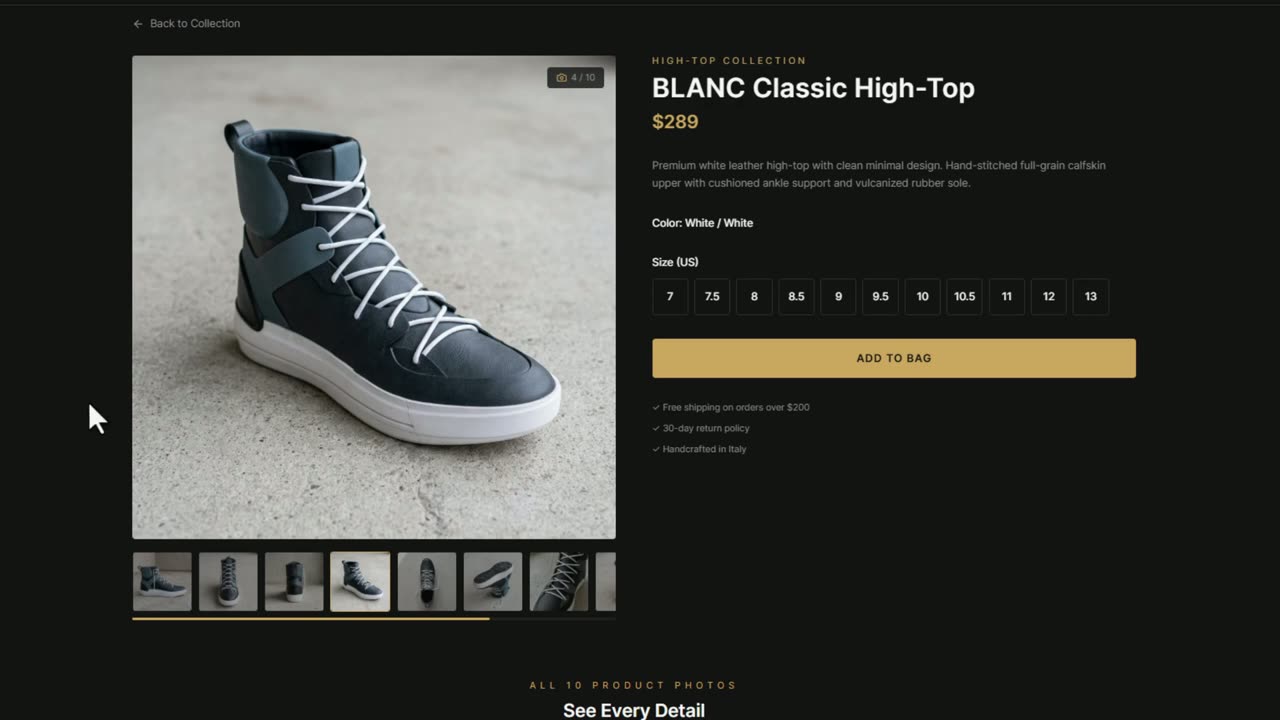
One product, on its product page, that the customer can turn, zoom and see in every finish. It answers questions about the object itself: what the back looks like, how the walnut compares with the oak. With augmented reality it also answers “will it fit?”, by placing the product in the customer's room.
Good for e-commerce product pages, catalogues with many variants, and any product whose photos raise more questions than they answer.
A 360° tour
A set of panoramic photos of a real place, joined by points you click to jump from one to the next. It is quick to shoot with a 360° camera and shows a place as it is.
Good for showing a venue, a hotel or a building. Its limit for a store is that the products are part of the photo: they cannot be turned, changed or put in AR, and the tour is only as current as the day it was shot.
A virtual showroom
A 3D space you move through freely, with the products inside it as real 3D objects. It joins the other two: the feeling of walking into the shop, and products that change finish, open a card with their details and go into a list of favourites.
Good for furniture and interior stores, brands with a showroom, and collections best understood together in a room.
Side by side
- Turn and zoom a single product: 3D viewer yes; 360° tour no; virtual showroom yes.
- Change colour or material: 3D viewer yes; 360° tour no; virtual showroom yes.
- See the product in your own room with AR: 3D viewer yes; 360° tour no; virtual showroom yes, for the products in it.
- Walk through a whole space: 3D viewer no; 360° tour yes, by jumps; virtual showroom yes, freely.
- What it takes to make: a 3D model per product; a shoot with a 360° camera; a 3D model of the space and its products.
And the pictures?
All three need good images around them: a cover for the product page, colourways for the catalogue, a room scene for social. Those are still pictures, and they can come from the same product photo through an AI board instead of a new photoshoot.
How Luxa covers the three
Luxa is one account with three tools: Spaces for the virtual showroom, Viewer for 3D and AR on product pages, and Boards for product pictures from one photo. A product put in 3D once can be on its own page and inside the showroom, and its pictures are made on a board.
Questions
- Is a 360° tour the same as a virtual showroom?
- No. A 360° tour is panoramic photos you jump between, with the products fixed in the photo. A virtual showroom is a 3D space you move through freely, with products you can turn and change.
- Which one is quickest to make?
- A 360° tour, because it is a photoshoot. A 3D viewer needs one 3D model per product. A virtual showroom needs the space and its products in 3D, and is usually built for the store.
- Can I start with one and add the others later?
- Yes. Many stores start with 3D viewers on their best-selling products and add a showroom later. With Luxa, the products already in 3D go into the showroom.
Your products in 3D and AR.
For a whole catalogue we model it and publish it for you. To try it alone, the free plan includes AR.
More from the blog