
Stop writing.Start making.
Drop a picture. Pull a wire out of it. Pick a node. Cards come back that you can use, or plug into the next question. The board below is the real gesture: try it.
Example
More than forty nodes, ready to use.
Real outputs from Luxa boards, prepared for this page. In your board a node runs live and takes a moment.
Nothing else moves.
A node changes the one thing its name says and hands back the rest of your picture exactly where it was. Drag the handle and check it.
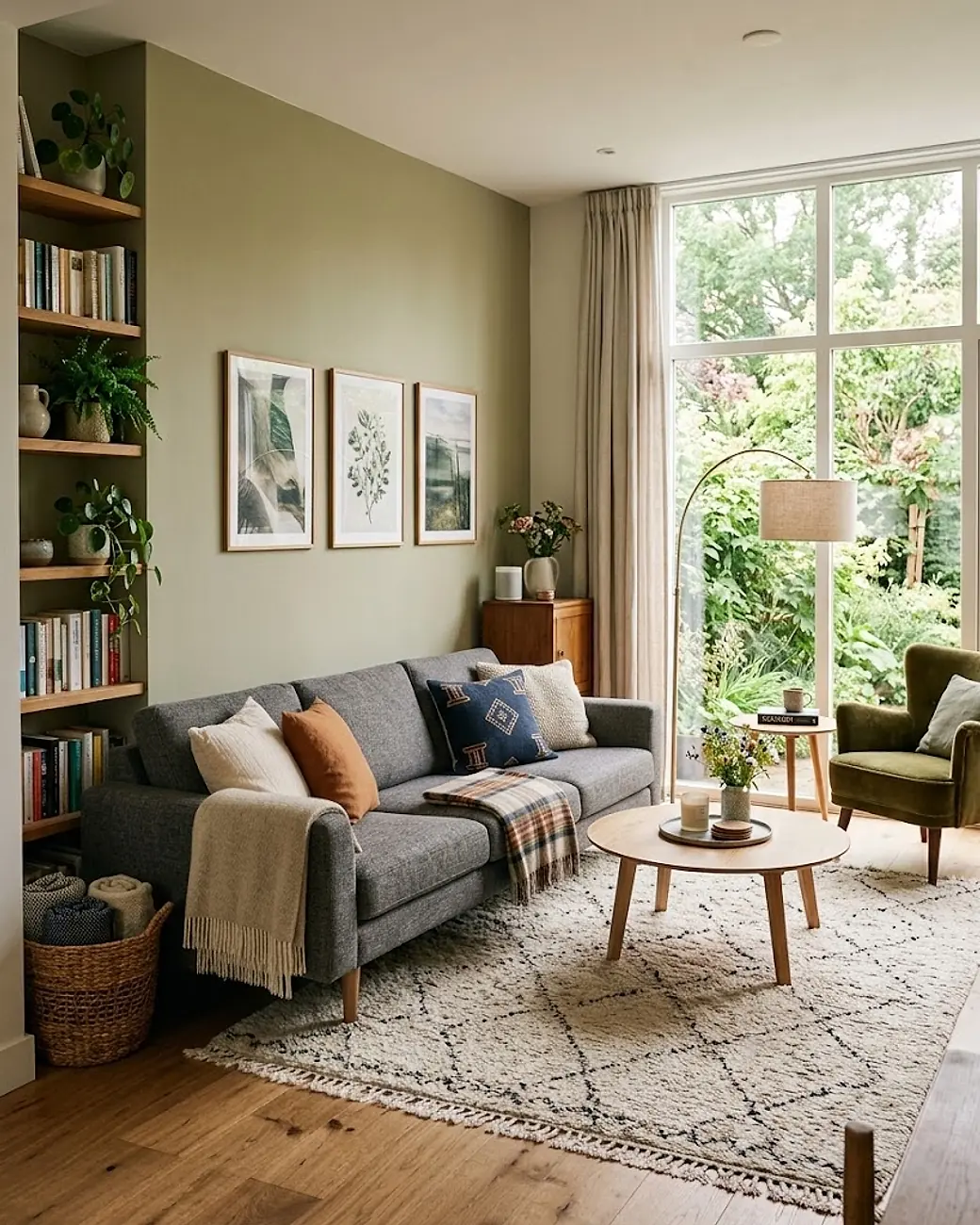
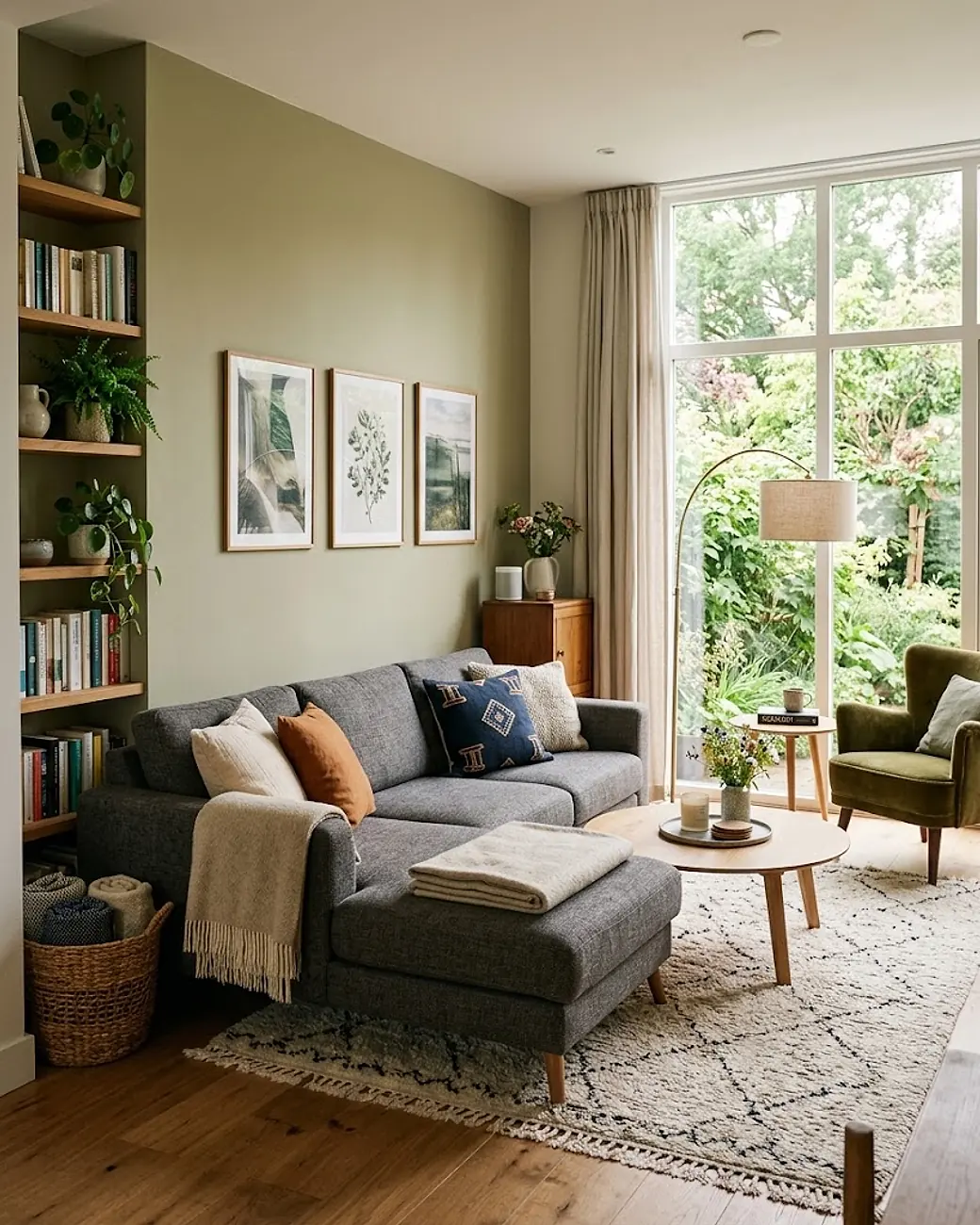


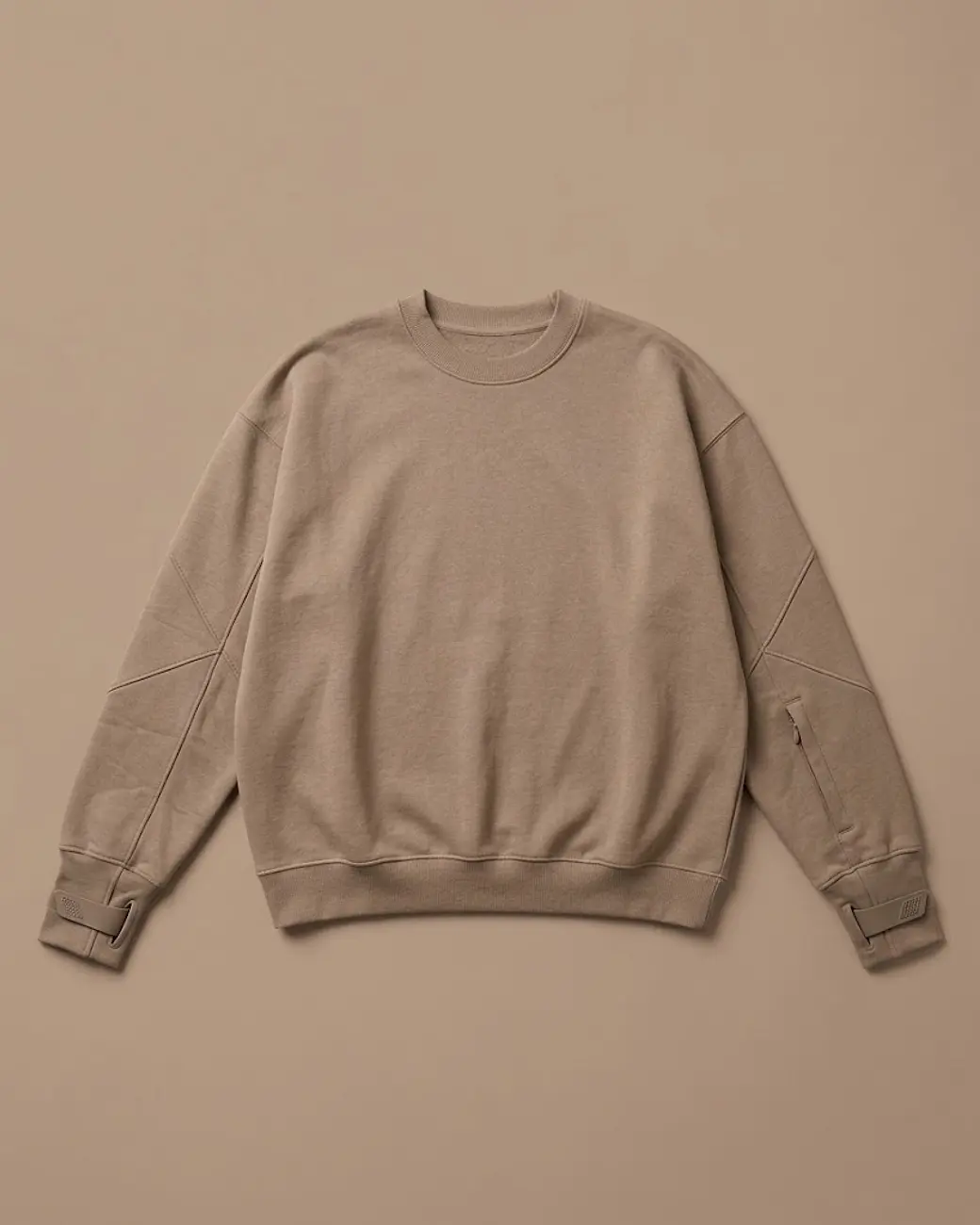
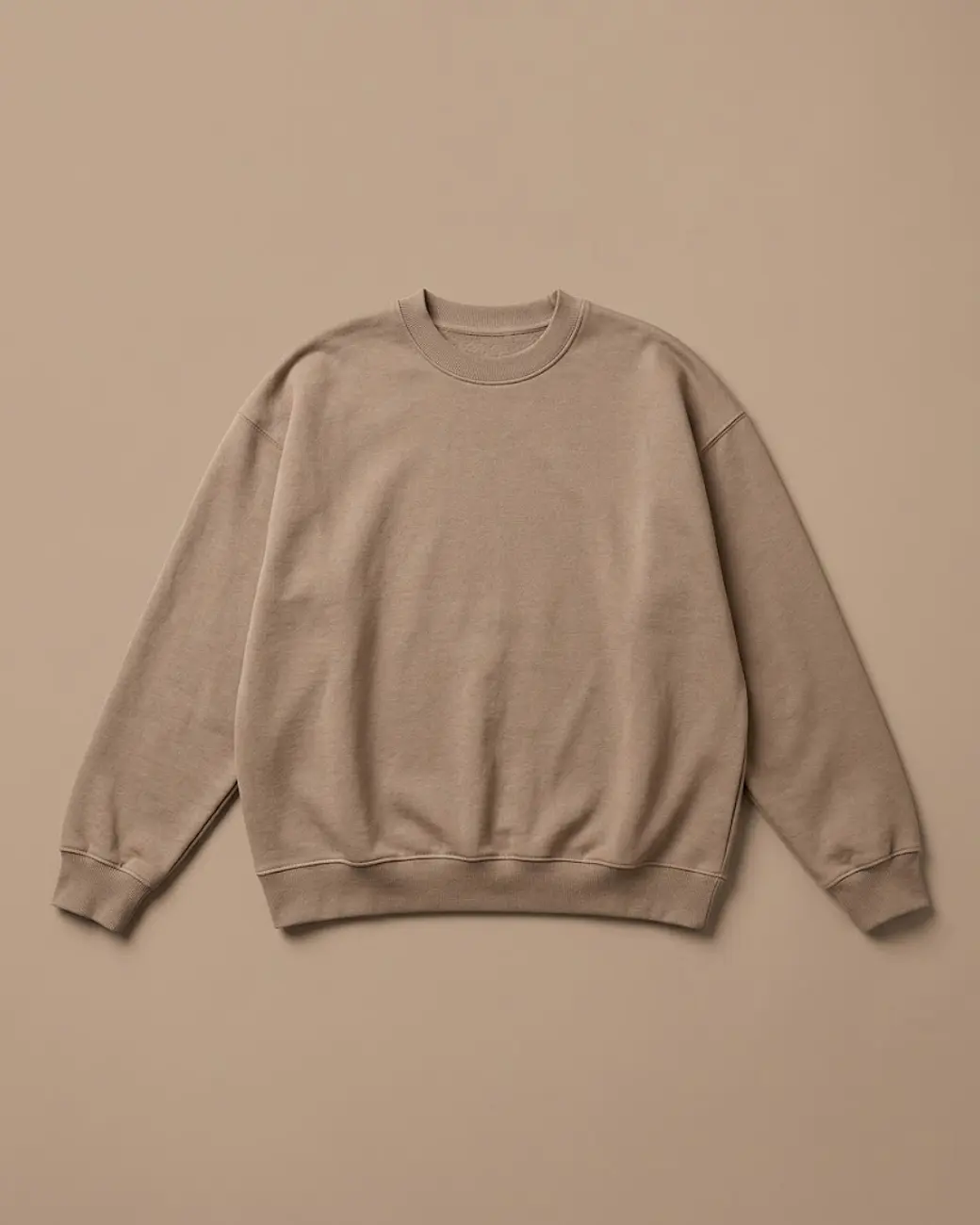 Marked
More than twenty nodes. Every one a plain question.
The whole menu, in one place. Nothing to configure, nothing to phrase. The ones marked give four cards for one press.
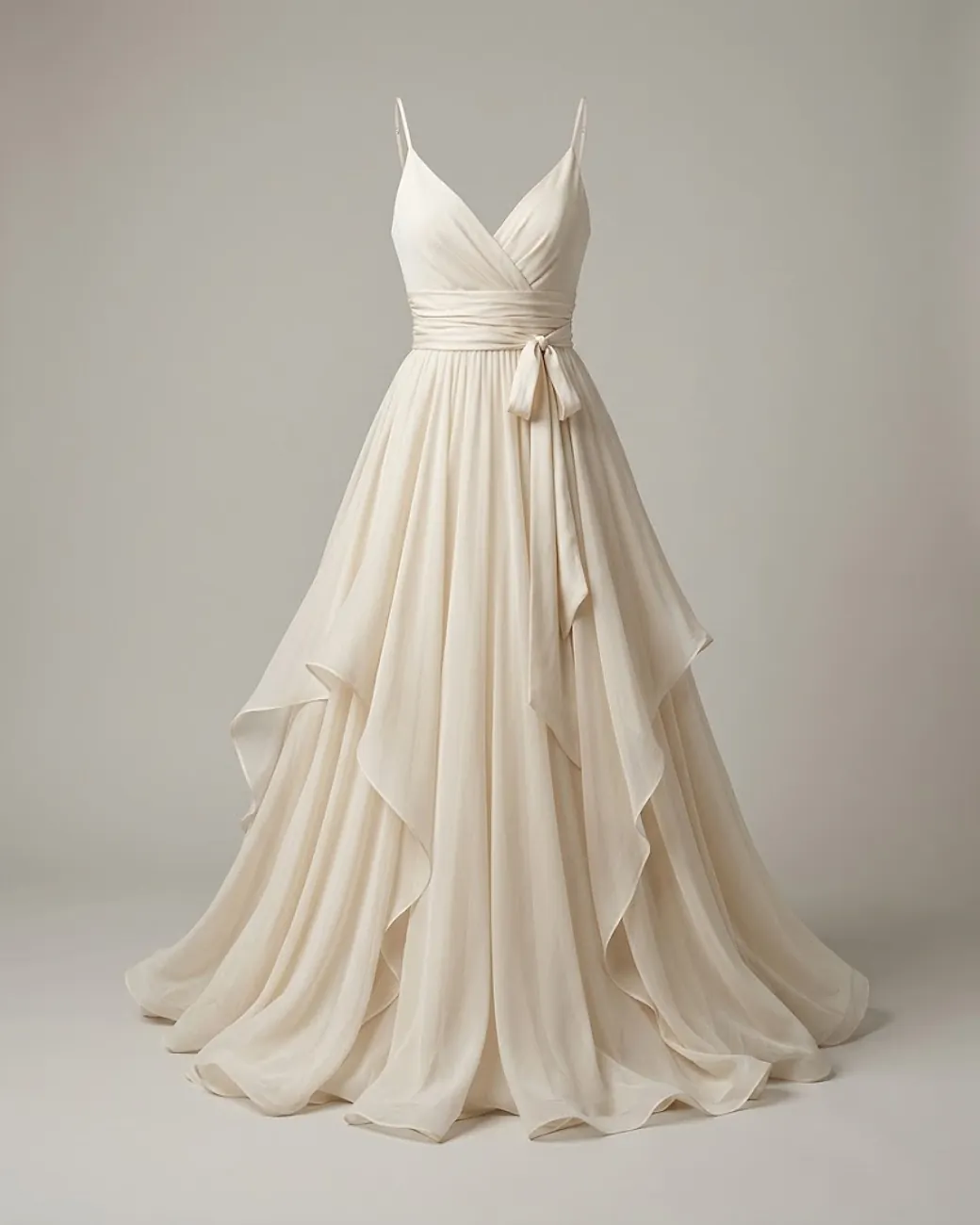
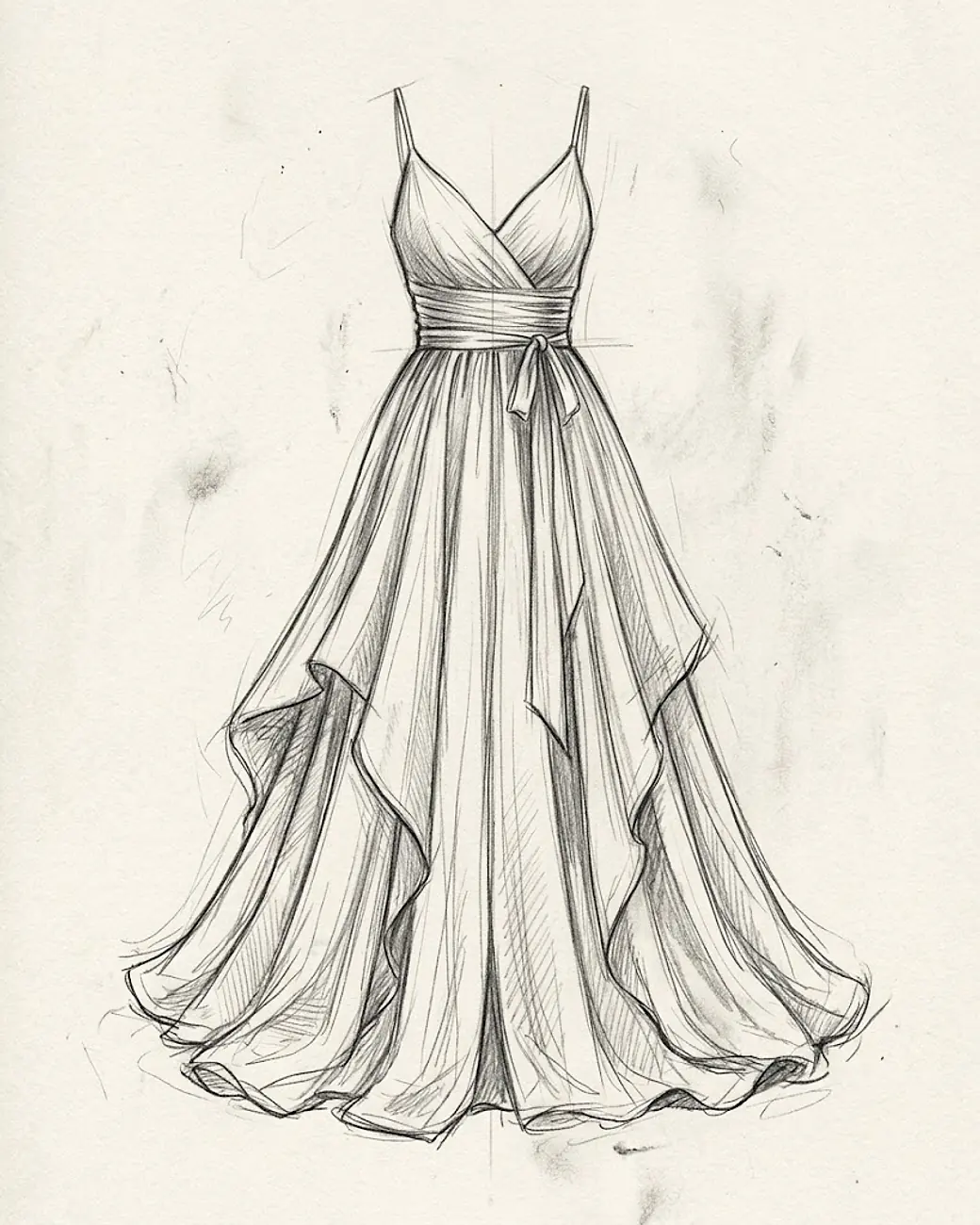
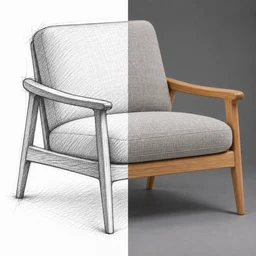 Sketch to photoA drawing becomes a photograph
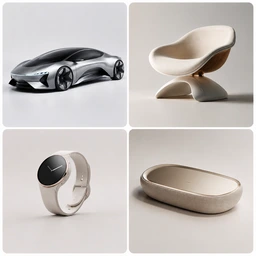 4 Concepts ×4Designed again from the beginning
 4 Product Variations ×4Four steps on from what you have
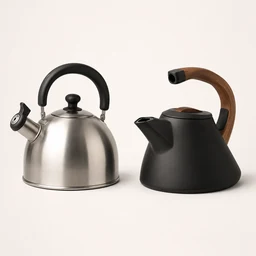 Redesign in a styleBorrow the language of a reference
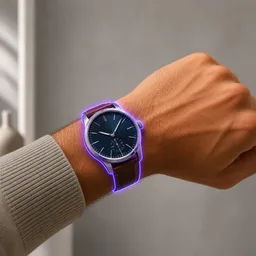
 Redesign a partMark it, and only that part moves
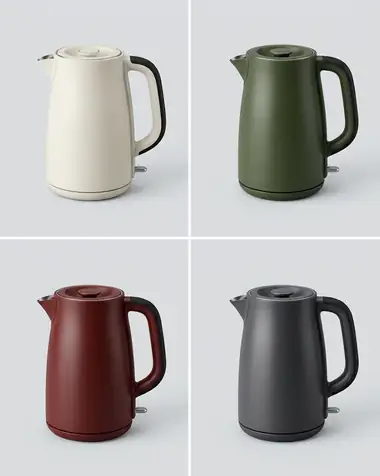
 4 Colourways ×4Same shape, four palettes
 RecolorOne colour, everything else held
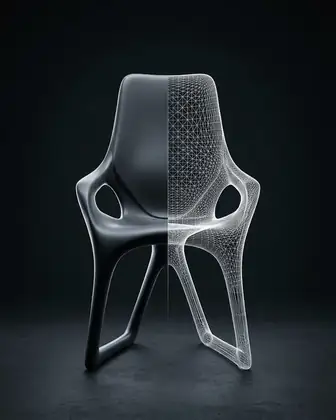
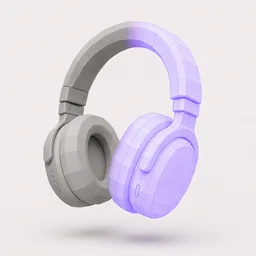 3D modelA card becomes a mesh
 3D Model UltraThe best mesh we can make
 In useWorn, lived with, ridden or held
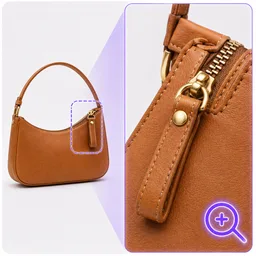 Zoom into a partCloser, on the detail that matters
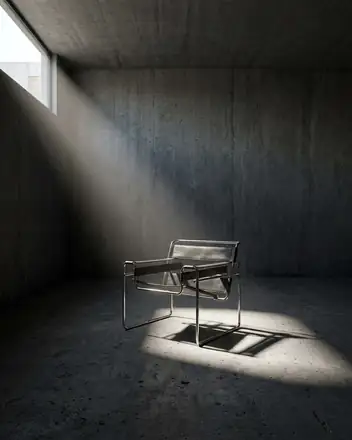
 Dramatic lightOne hard light, same room
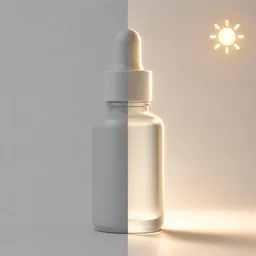 Better lightingThe shot you took, lit properly
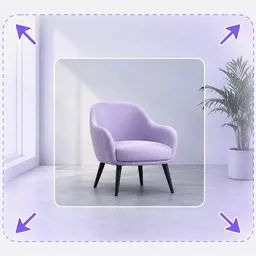 ExpandMore room around the product
 UpscaleSharper, ready for print
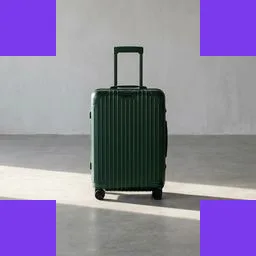 ReframeAnother format, same picture
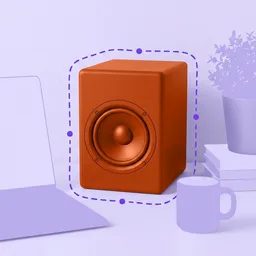 Cut outThe product, nothing else
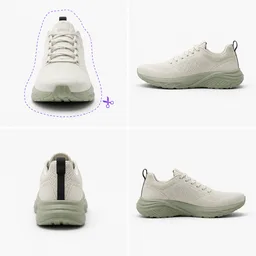 4 sides cut out ×4Four views, ready for 3D
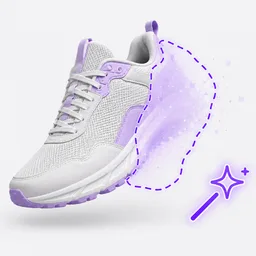 Remove or replaceTake that out, or swap it
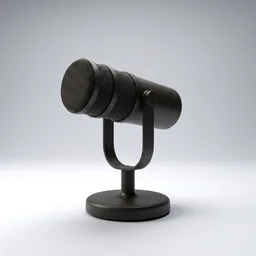 Studio shotYour product, on seamless white
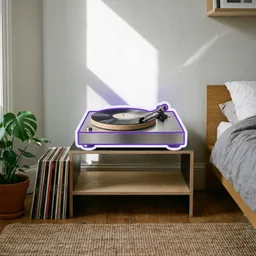 In a real roomA furnished interior, with daylight
 Ghost mannequinThe body goes, the shape stays
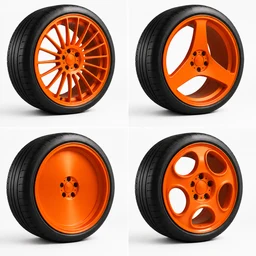
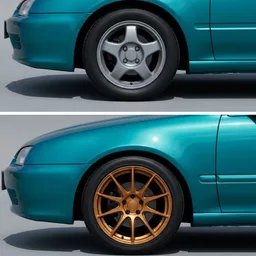 Swap wheelsThe same vehicle, another set
 Time of dayThe same shot at another hour
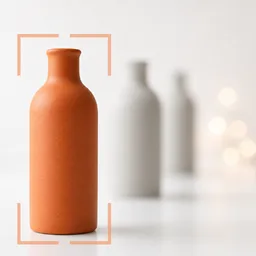 Depth of fieldThe product sharp, the room soft
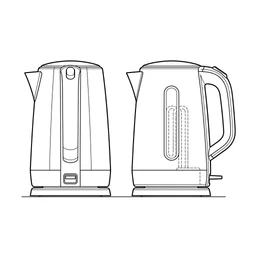 Technical drawingDrawn as lines, straight on
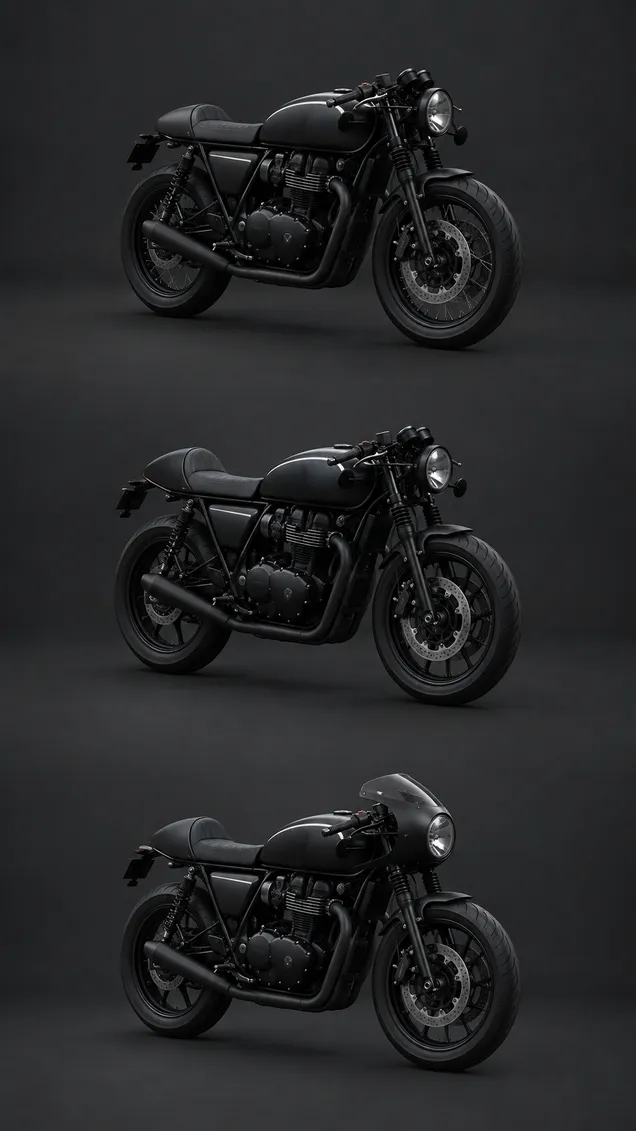
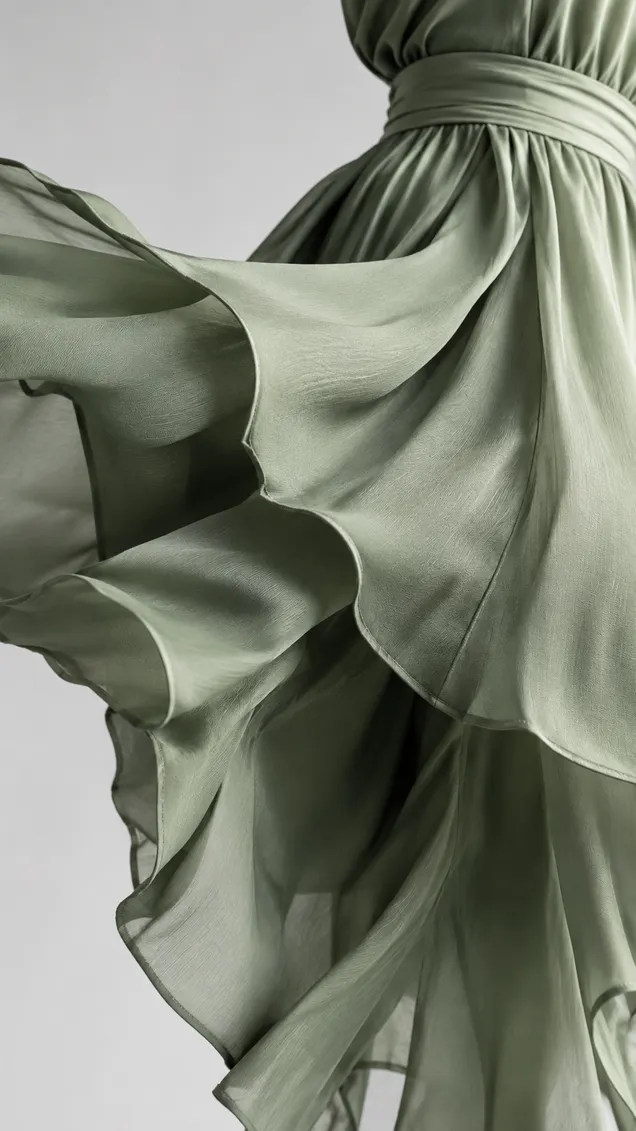
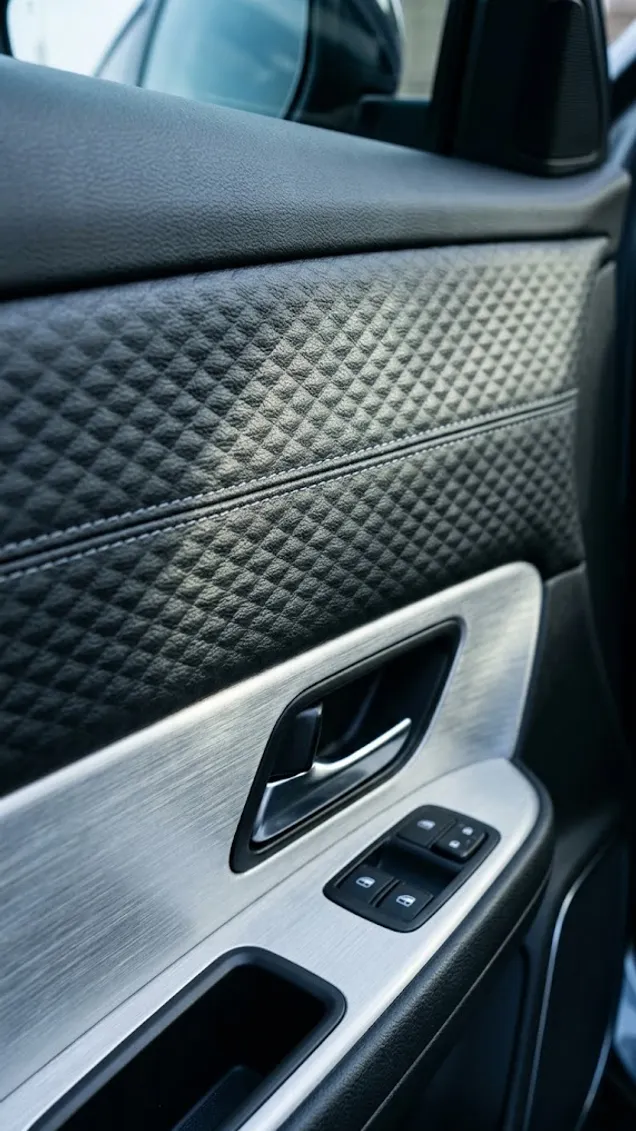
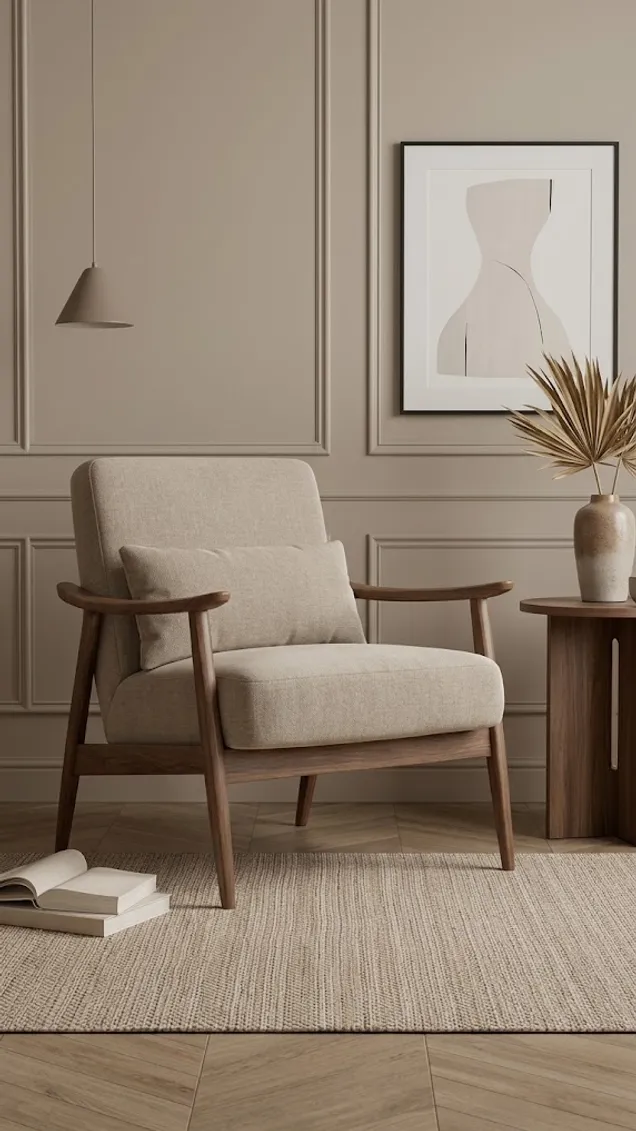
Every one of these came out of a node.
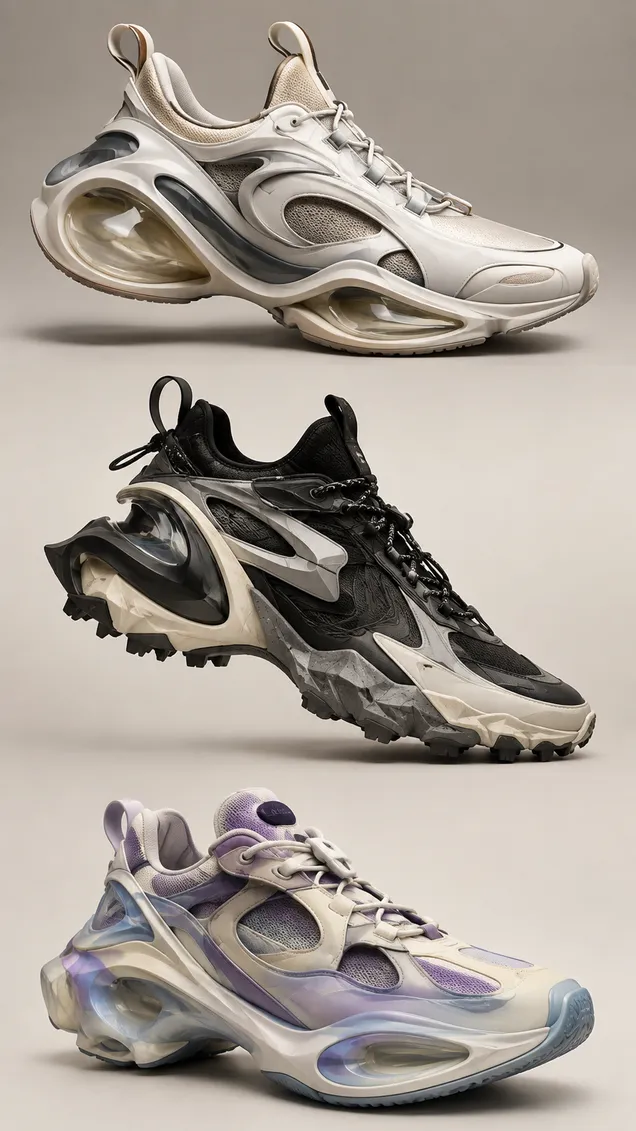
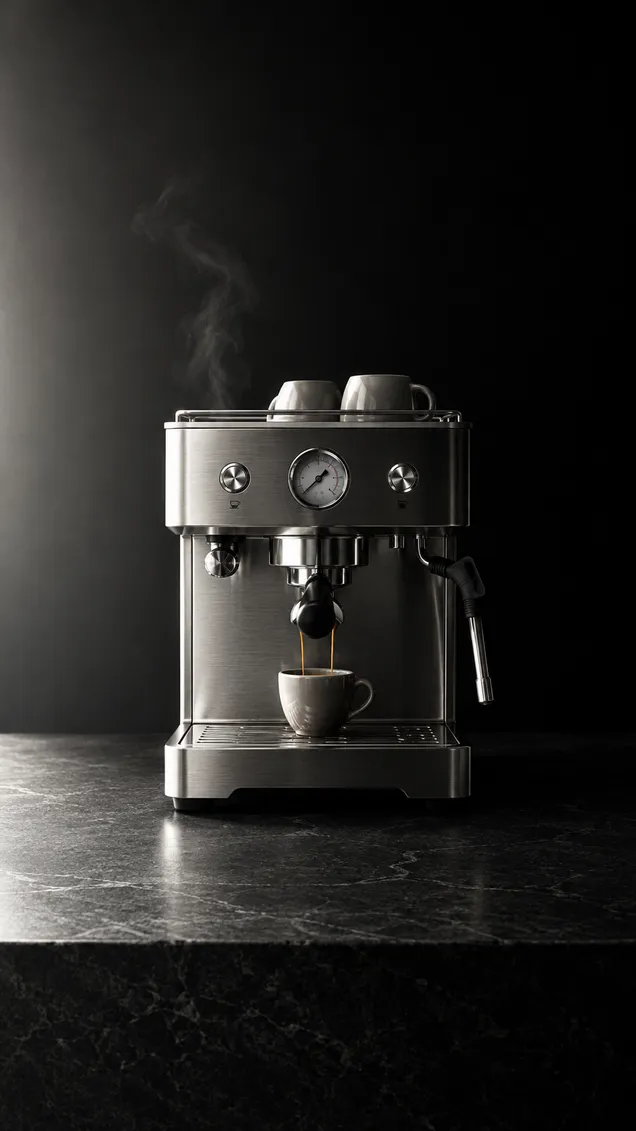
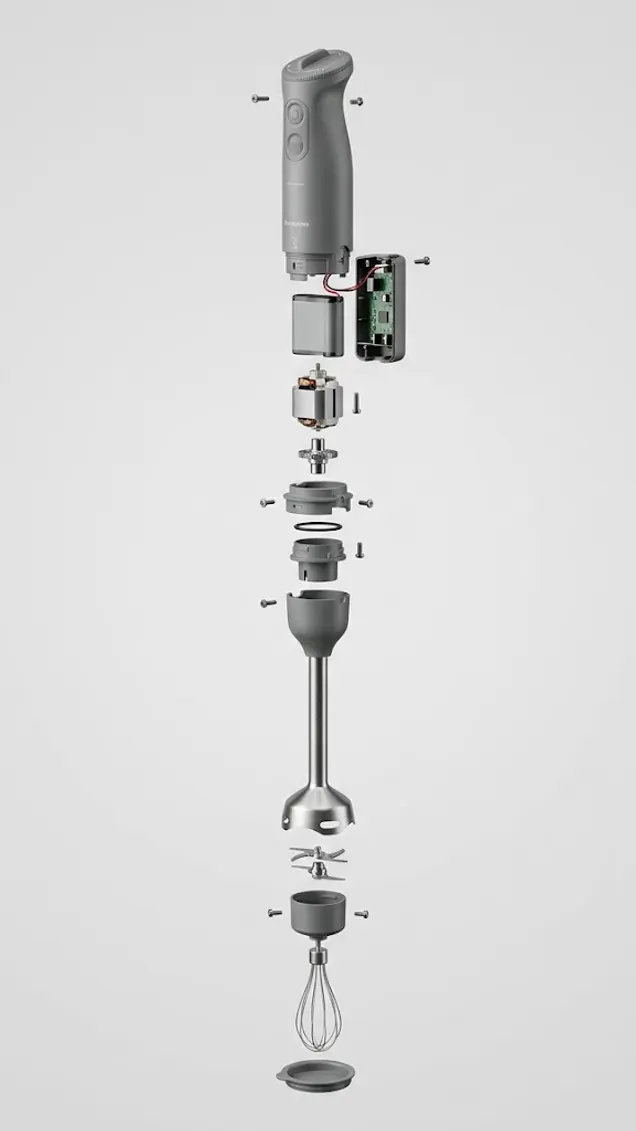
Different trades, one catalogue. Nothing here was retouched by hand. Drag the row.
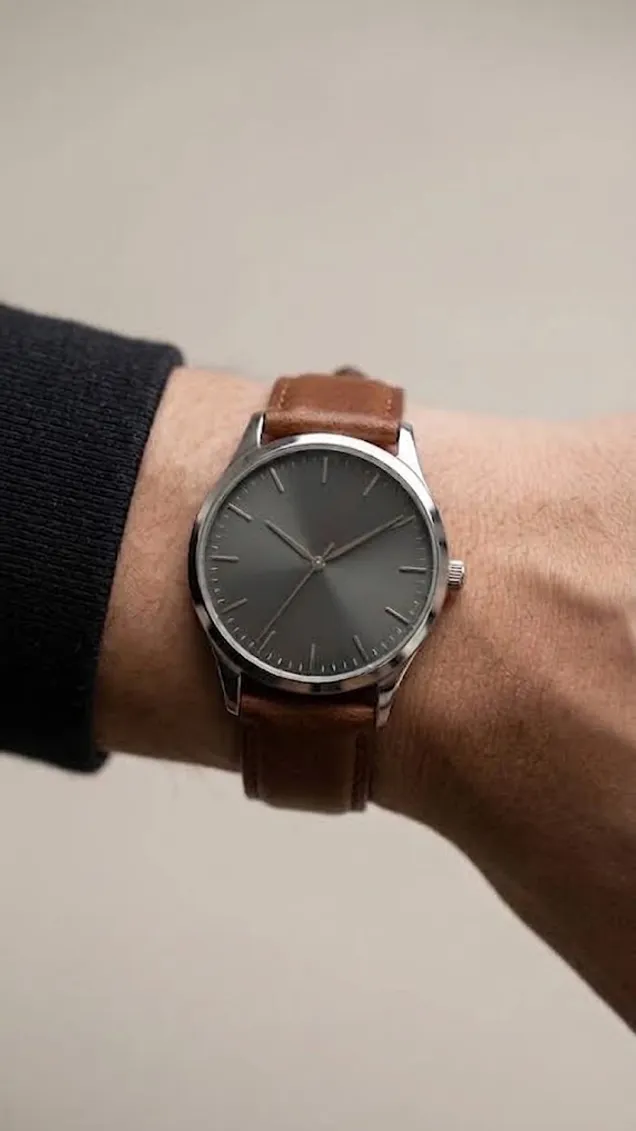
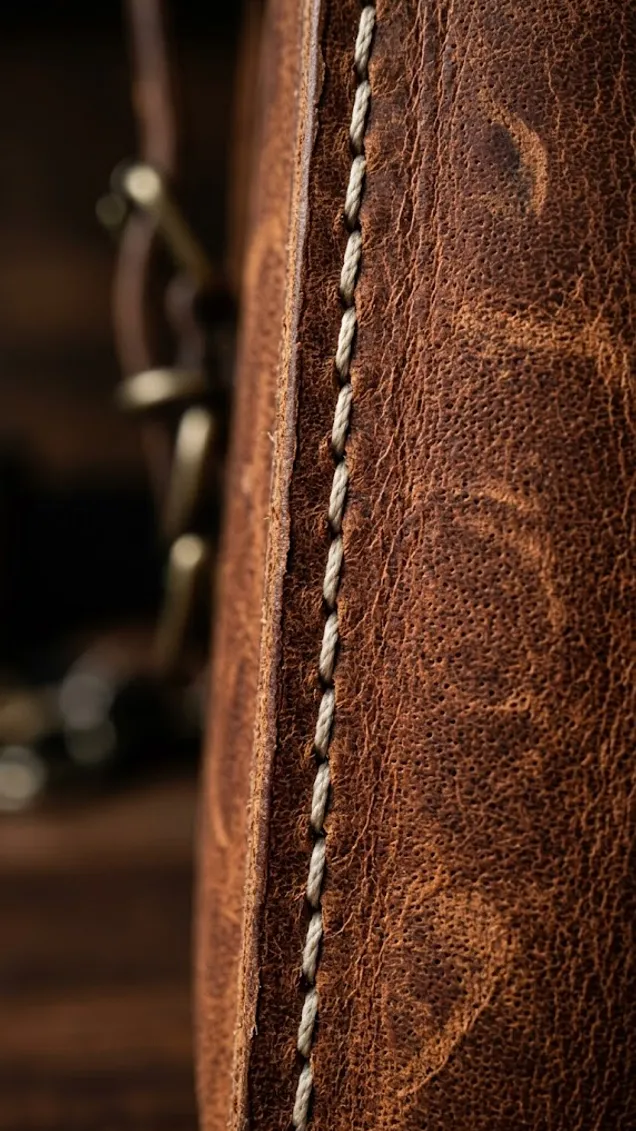
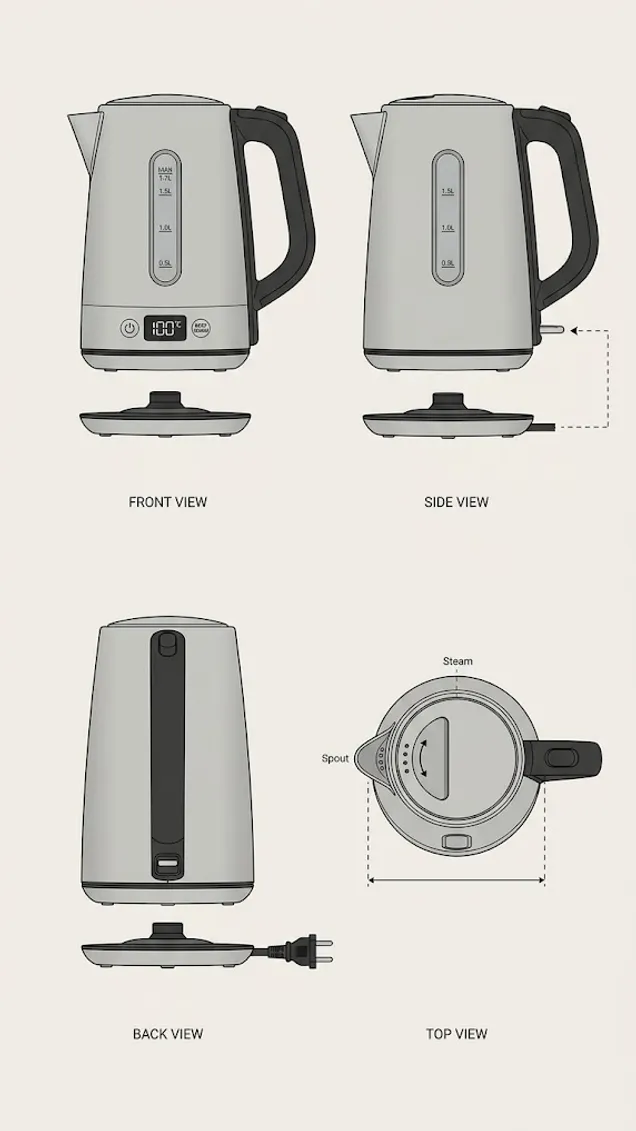
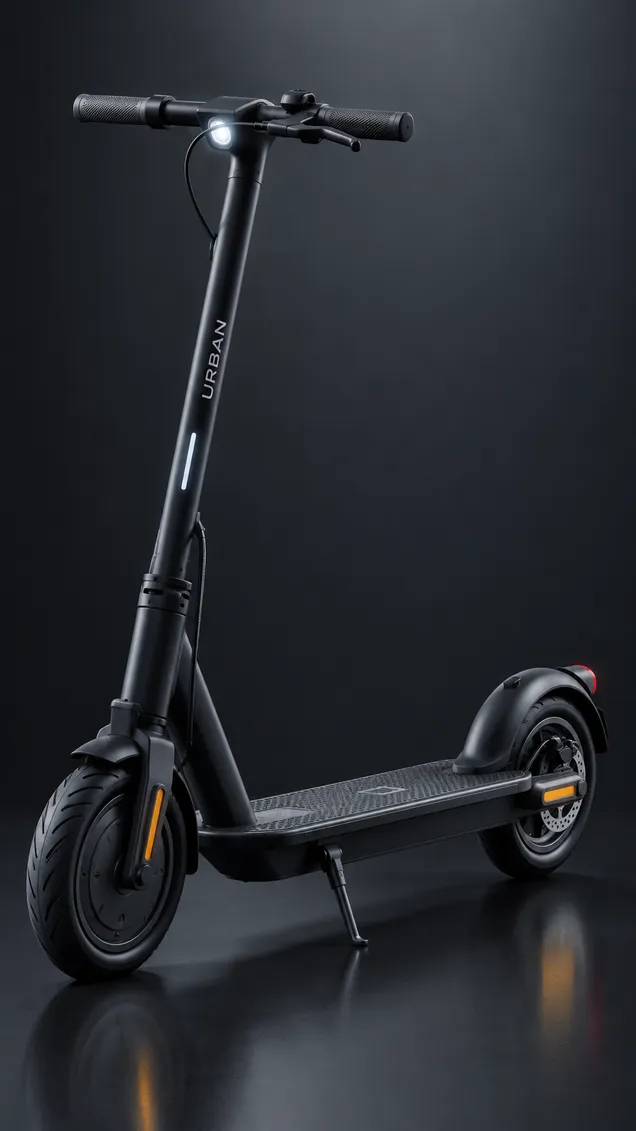
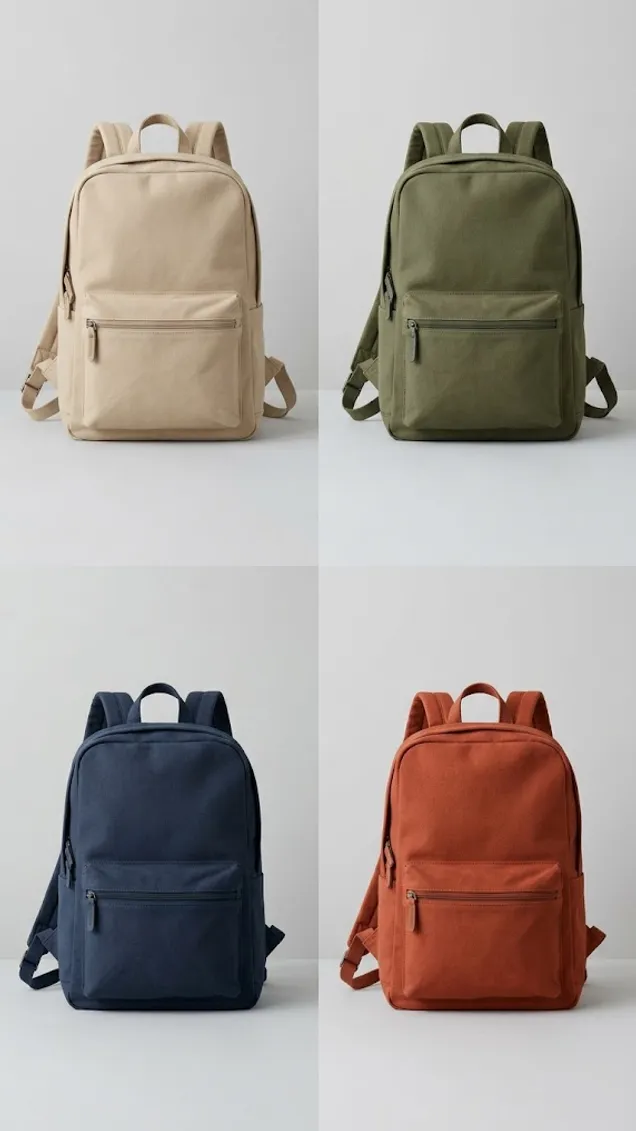
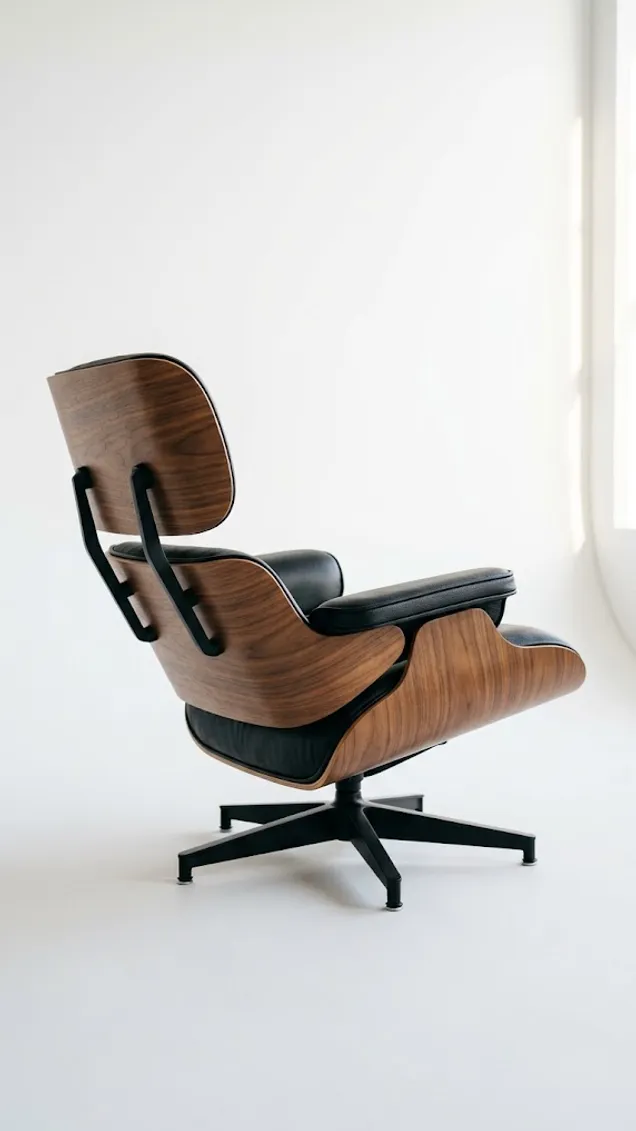
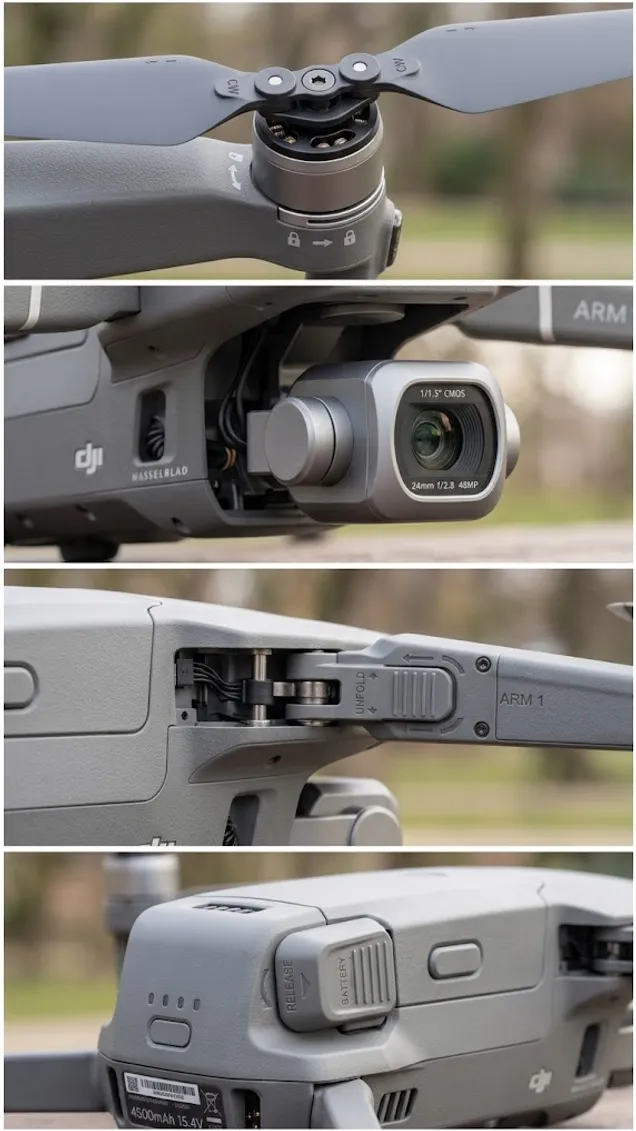

From a drawing
to a 3D print.
to a 3D print.
Draw it, or photograph the drawing you already have. Press the nodes: a photograph, four sides, a mesh. It leaves as an STL your slicer takes as it is, and it costs nothing to take.
The STL
Closed, no repair
Right way up
100 mm, ready to rescale
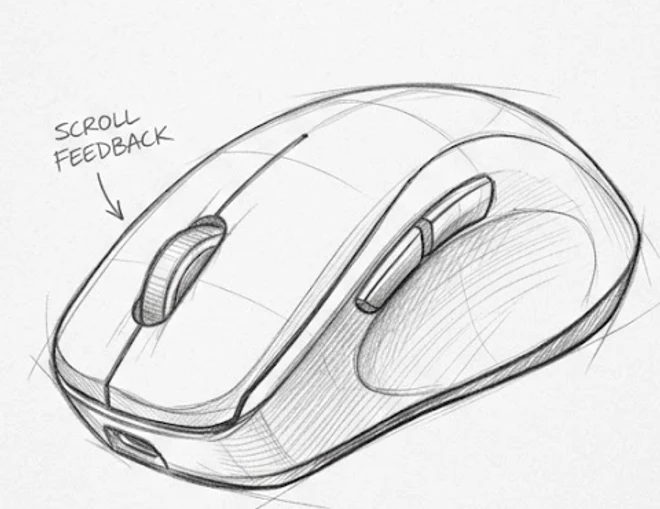
Included in every Luxa plan. The free one too.
You pay for what you generate, not for a seat.
Free
$0
Boards is yours. Credits are not included, so you buy a pack when you want to press a node.
Pro
600
Credits included with the plan, on top of everything Luxa already gives you.
Premium
2000
Credits included, for a team shipping a catalogue rather than a piece.
Packs: 600 for $10, 2000 for $30, 6000 for $75.
Pack credits never expire, so one bought today is still there next season. An exploration node returns four cards for a single press.
Need it built for you, on your own domain, inside your own interface?
That is the Custom plan.
Your pictures stay yoursWhat you upload and what comes back is yours to sell, on every plan including the free one.
Credits never expireA pack bought today is still there next season. Nothing resets at the end of the month and takes back what you did not spend.
Four cards for one pressThe exploration nodes hand back four pictures every time, so four directions cost one run rather than four.
Fair questions.
The four that come up before anybody opens one.
Do I have to write a prompt?
No, and that is the whole idea. You pick a node from a menu of named jobs and press play. A Custom node exists for the day you want to say something in your own words, and it is the exception rather than the door.
Will it change parts of my picture I did not ask about?
That is what the handle further up this page is for. A node changes the one thing its name says and returns the rest as it was. Where a job needs a boundary, you mark it on the picture with a brush rather than describing it in words.
What does one press cost?
Every node shows its own price on the card before you press it. An exploration node returns four pictures for a single press, so four ideas cost one run rather than four.
Can I use what comes out commercially?
Yes. What you upload and what comes back is yours, on every plan including the free one.

The next one is yours.
Opening a board is free. Nothing to configure and no prompt to write.
Open a free board
Already on Luxa? Boards is in your dashboard.
Nothing to install.